We use cookies to make your experience better.
To comply with the new e-Privacy directive, you agree to the privacy policy and our use of cookies.

Monitor Mounts & Stands

Shop By
-
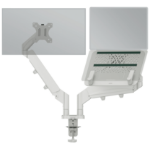
Leitz Ergo Space Saving Dual Monitor & Laptop Arm
Ergo Space Saving Dual Monitor & Laptop ArmAvailable for backorder -
-
-
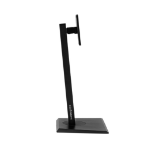
-
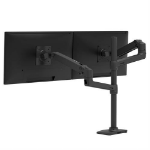
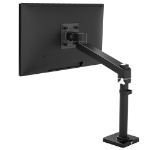
Ergotron LX Series LX Dual Stacking Arm, Tall Pole, Matte Black 101.6 cm (40") Desk
LX Dual Stacking Arm Tall Pole (matte black)In Stock -
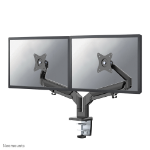
Neomounts DS70-810BL2 Monitor arm 17-32" - gas spring - space saving - 180°-stop
Neomounts DS70-810BL2 Dual monitor arm - 17-32" - 1-9 kg/screen - gas spring - 180°-stop - space saving T-Rex model - blackIn Stock -
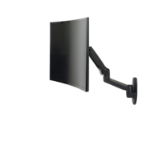
Ergotron LX Series LX Wall Monitor Arm (matte black)
LX Wall Monitor Arm (matte black)Available for backorder -
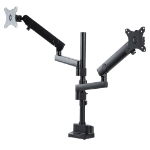
StarTech.com Desk Mount Dual Monitor Arm, Full Motion Monitor Mount for 2x VESA Displays up to 32" (17.6lb/8kg), Height Adjustable, Clamp/Grommet Mount, Mechanical Spring
StarTech Desk Mount Dual Monitor Arm, Height Adjustable Mount for 2x VESA Displays up to 32" (17.6lb/8kg), Mechanical SpringIn Stock -
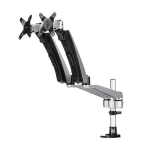
StarTech.com Desk-Mount Dual Monitor Arm - Full Motion Articulating - Premium - For up to 30" (19.8lb/9kg) Displays - TAA
StarTech Desk Mount Dual Monitor Arm - Articulating - Supports VESA Monitors 12'' to 30" (19.8lb/9kg) - Adjustable - Grommet / Desk Mount - Premium - Silver , TAA (ARMDUAL30)In Stock -